
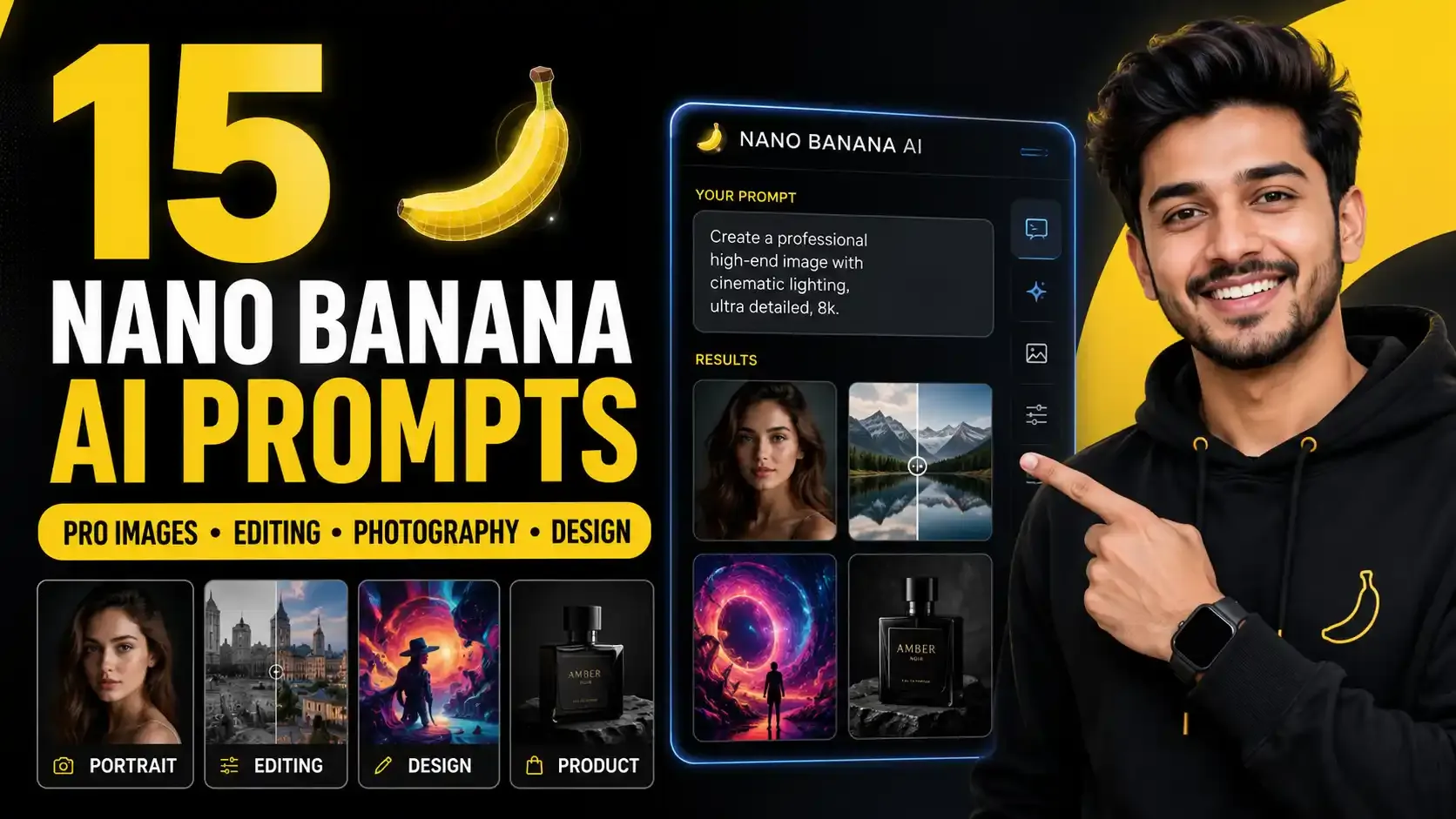
A complete guide to using Nano Banana AI prompts for portraits, products, landscapes, image editing, and professional creative visuals.
15 Nano Banana AI Prompts for Professional Images, Editing, Photography & Creative Design
Table of Contents
- Introduction
- Why Most People Use Nano Banana AI the Wrong Way
- The Nano Banana Prompt Formula
- 1. Subject
- 2. Action
- 3. Environment
- 4. Art Style
- 5. Lighting
- 6. Details
- Example of a Better Nano Banana Prompt
- 1. Professional Portrait Photography Prompt
- Prompt
- Why This Prompt Works
- 2. High-End Product Photography Prompt
- Prompt
- Why This Prompt Works
- 3. Architectural Visualization Prompt
- Prompt
- Why This Prompt Works
- 4. Landscape Photography Prompt
- Prompt
- Why This Prompt Works
- 5. Street Photography Prompt
- Prompt
- Why This Prompt Works
- 6. Abstract Art Prompt
- Prompt
- Why This Prompt Works
- 7. Portrait Enhancement Prompt
- Prompt
- Why This Prompt Works
- 8. Background Replacement Prompt
- Prompt
- Why This Prompt Works
- 9. Cinematic Color Grading Prompt
- Prompt
- Why This Prompt Works
- 10. Clothing Replacement Prompt
- Prompt
- Why This Prompt Works
- 11. Style Transfer Prompt
- Prompt
- Why This Prompt Works
- 12. Lighting Adjustment Prompt
- Prompt
- Why This Prompt Works
- 13. Object Removal Prompt
- Prompt
- Why This Prompt Works
- 14. Atmospheric Enhancement Prompt
- Prompt
- Why This Prompt Works
- 15. Professional Retouching Prompt
- Prompt
- Why This Prompt Works
- How to Create Better Nano Banana Prompts
- Common Nano Banana Prompt Mistakes
- Best Use Cases for Nano Banana AI
- From Static Images to AI Videos
- Final Thoughts
Introduction
Nano Banana AI has quickly become one of the most exciting AI image generation tools for creators, designers, freelancers, marketers, and business owners. While many people use it only to create random images, the real power of Nano Banana comes from writing structured prompts.
A simple prompt can create a basic picture. But a professional prompt can create visuals that look like real photography, high-end product ads, cinematic artwork, commercial design assets, and polished edits.
In this guide, you will learn a practical Nano Banana prompt formula and explore 15 powerful prompt ideas for professional image generation and editing. These prompts can help you create portraits, product photos, architectural visuals, landscapes, street photography, abstract art, background replacements, color grading, clothing edits, style transfers, lighting adjustments, object removal, atmospheric effects, and professional retouching.
Why Most People Use Nano Banana AI the Wrong Way
Many beginners open Nano Banana AI and type simple prompts like:
“woman in cafe”
“watch on table”
“mountain lake”
These prompts can create images, but they often lack professional quality because they do not give the AI enough direction. The image may look generic, flat, or inconsistent.
Professional AI image generation requires more structure. You need to tell the AI exactly what the subject is, what they are doing, where the scene takes place, what style you want, what lighting should be used, and which details matter.
This is where prompt engineering becomes important.
The Nano Banana Prompt Formula
A strong Nano Banana AI prompt should include six important components:
Subject + Action + Environment + Art Style + Lighting + Details
This formula helps the AI understand the full creative direction instead of guessing what you want.
1. Subject
The subject is the main focus of the image.
Example:
“A young woman with freckles”
This is better than simply saying “woman” because it gives the AI a clearer visual direction.
2. Action
Action explains what the subject is doing.
Example:
“smiling thoughtfully while holding a warm coffee cup”
This makes the image feel more natural and story-driven.
3. Environment
Environment describes where the image takes place.
Example:
“inside a cozy cafe by the window”
This gives the image context and mood.
4. Art Style
Art style tells the AI what type of visual output you want.
Example:
“shot on a Canon 5D Mark IV”
This guides the AI toward a professional photography look.
5. Lighting
Lighting is one of the most important parts of the prompt.
Example:
“natural window light”
Lighting controls mood, realism, shadows, and overall image quality.
6. Details
Details add realism and polish.
Example:
“warm coffee cup in hands, soft focus background, realistic skin texture”
These small details make the final image look professional.
Example of a Better Nano Banana Prompt
Instead of writing:
“Woman in cafe”
Use:
“A young woman with freckles smiling thoughtfully while sitting in a cozy cafe by the window, shot on a Canon 5D Mark IV, natural window light, warm coffee cup in hands, soft focus background, realistic skin texture, professional lifestyle photography.”
This prompt gives Nano Banana much more information. The result will look more intentional, realistic, and professional.
1. Professional Portrait Photography Prompt
Portrait photography is one of the best use cases for Nano Banana AI. A good portrait prompt should include the subject’s appearance, expression, pose, lens, lighting, and mood.
Prompt
“Create a professional portrait of a confident business executive with salt-and-pepper hair, direct eye contact, natural expression, wearing a tailored navy suit, photographed with an 85mm portrait lens on medium format film, dramatic window lighting creating a soft rim light effect, shallow depth of field, realistic skin texture, elegant corporate background, premium editorial photography style.”
Why This Prompt Works
This prompt works because it gives Nano Banana clear creative instructions. The 85mm portrait lens creates a professional portrait look, while dramatic window lighting adds depth and shape to the face.
Instead of using vague words like “nice lighting,” the prompt explains exactly how the light should appear.
2. High-End Product Photography Prompt
Product photography requires sharp detail, clean composition, controlled lighting, and accurate material rendering. Nano Banana AI can create strong product visuals when the prompt focuses on details.
Prompt
“Create a high-end product photography shot of a luxury stainless steel wristwatch placed on a dark marble surface, macro lens for sharp detail, visible craftsmanship on the watch face, soft studio lighting, subtle reflections, clean shadows, premium advertisement style, ultra-realistic, sharp focus, elegant composition.”
Why This Prompt Works
The prompt includes “macro lens for sharp detail,” which is important for product photography. Without this, the product may look soft or less useful for commercial presentation.
This type of prompt is useful for ads, product mockups, e-commerce banners, and luxury brand visuals.
3. Architectural Visualization Prompt
Architecture prompts should describe the relationship between space, light, structure, and environment.
Prompt
“Create a modern architectural visualization of a luxury glass villa built on a hillside, wide open interior visible through large windows, warm golden hour sunlight reflecting on glass and concrete surfaces, natural landscape surrounding the building, clean modern lines, realistic shadows, professional architectural photography, cinematic wide-angle composition.”
Why This Prompt Works
The prompt does not only describe a building. It describes how light interacts with the materials and environment. Golden hour lighting makes architectural images look more premium and visually appealing.
4. Landscape Photography Prompt
Landscape photography needs depth, atmosphere, foreground interest, and natural lighting.
Prompt
“Create a breathtaking alpine lake landscape at sunrise, crystal clear water showing perfect mountain reflections, warm golden light touching the peaks, foreground rocks providing a strong compositional anchor, soft morning mist, deep natural colors, wide-angle landscape photography, ultra-realistic, peaceful and cinematic atmosphere.”
Why This Prompt Works
The phrase “foreground rocks providing a strong compositional anchor” helps create depth. The phrase “crystal clear water showing perfect mountain reflections” prevents the lake from looking muddy or unclear.
This is useful for travel blogs, wallpapers, website banners, and outdoor brand visuals.
5. Street Photography Prompt
Street photography should feel spontaneous and real. If the prompt is too polished, the image may look staged.
Prompt
“Create an authentic street photography image of a young person walking through a busy city sidewalk, candid moment with genuine expression, soft afternoon light filtering through street trees, natural background activity, realistic urban details, unposed lifestyle photography, 35mm lens, documentary style, natural colors, real street scene feeling.”
Why This Prompt Works
The prompt uses words like “candid,” “genuine,” “unposed,” and “documentary style.” These words help Nano Banana create an image that feels like real street photography instead of a staged studio shot.
6. Abstract Art Prompt
Nano Banana AI can also create abstract visuals that would be difficult or impossible with traditional photography.
Prompt
“Create an abstract artwork featuring flowing liquid metal forms suspended in space, organic shapes merging with geometric structures, dramatic lighting creating depth and shadow, reflective silver and gold textures, dark gallery background, high contrast, modern art aesthetic, visually rich and dimensional.”
Why This Prompt Works
Abstract prompts should describe relationships, textures, emotions, and visual movement rather than only objects. “Flowing liquid metal forms” gives the AI creative freedom, while “dramatic lighting” adds depth.
7. Portrait Enhancement Prompt
Nano Banana can be useful for improving portraits, but the prompt should focus on natural enhancement instead of heavy editing.
Prompt
“Enhance this portrait naturally while preserving the person’s real facial features. Smooth the skin subtly while maintaining realistic pores and natural texture. Improve eye clarity, add soft professional lighting, enhance facial dimension, keep the expression authentic, avoid over-processing, realistic editorial portrait retouching.”
Why This Prompt Works
The prompt clearly says what should be enhanced and what should remain natural. This helps prevent the fake, overly smoothed look that often makes edited portraits look unrealistic.
8. Background Replacement Prompt
Background replacement is one of the most practical uses of Nano Banana AI. The key is to preserve lighting, shadows, and subject edges.
Prompt
“Replace the background with a modern luxury office interior while keeping the subject unchanged. Maintain natural lighting on the subject, preserve original subject shadows, realistic edge blending, matching perspective, professional corporate environment, clean background, natural and believable result.”
Why This Prompt Works
This prompt does not simply say “change background.” It explains how the replacement should behave. Lighting, shadows, perspective, and edge blending are important for realistic results.
9. Cinematic Color Grading Prompt
Color grading can completely change the mood of an image.
Prompt
“Apply cinematic color grading to this image with warm highlights, soft teal shadows, rich contrast, natural skin tones, enhanced depth, subtle film look, vibrant but not overprocessed colors, professional movie still aesthetic, preserve original details and realistic lighting.”
Why This Prompt Works
The prompt tells Nano Banana how the colors should change while also telling it what to preserve. This creates a professional movie-like look without destroying the image.
10. Clothing Replacement Prompt
Clothing replacement can look fake if the AI does not preserve body shape, lighting, fabric physics, and proportions.
Prompt
“Replace the current outfit with the reference leather jacket while preserving the subject’s original body proportions and pose. Maintain natural fabric drape, realistic folds, matching lighting on the new garment, accurate shadows, believable fit, keep face and background unchanged, realistic fashion photography result.”
Why This Prompt Works
The prompt includes “natural fabric drape,” “realistic folds,” and “preserve original body proportions.” These details help avoid impossible clothing physics and unnatural fits.
11. Style Transfer Prompt
Style transfer applies an artistic look to an existing image while keeping the subject recognizable.
Prompt
“Transform this landscape into an impressionist-inspired painting while maintaining the original subject recognition. Add visible brush strokes, soft color blending, warm natural palette, painterly texture, artistic interpretation, gentle light, museum-quality artwork style, preserve the main composition and landscape structure.”
Why This Prompt Works
The prompt balances transformation with preservation. It tells Nano Banana to change the artistic style while keeping the original subject and composition recognizable.
For commercial use, it is safer to use broad art movement descriptions instead of copying the exact style of a living artist.
12. Lighting Adjustment Prompt
Lighting can make a flat image look professional. Nano Banana can add or modify lighting when the direction is clear.
Prompt
“Add dramatic side lighting from camera left to this portrait, creating soft shadows and enhanced facial structure. Add natural highlights on the cheekbone and hair, preserve skin texture, keep the background realistic, cinematic studio lighting, professional portrait photography, believable light direction.”
Why This Prompt Works
The prompt gives a specific light direction: “camera left.” This helps the AI understand where the light should come from. It also explains the artistic goal: enhancing facial structure.
13. Object Removal Prompt
Object removal works best when you tell the AI what should replace the removed object.
Prompt
“Remove the distracting telephone pole from this landscape image and fill the area with contextually appropriate scenery. Match the surrounding sky, background mountains, lighting, texture, and natural perspective. Make the edit invisible and realistic with no obvious artifacts.”
Why This Prompt Works
This prompt considers both removal and replacement. It does not only say what should disappear. It tells the AI what should logically appear in that space.
14. Atmospheric Enhancement Prompt
Atmospheric effects can make an ordinary photo feel magical or cinematic.
Prompt
“Add subtle morning mist to this landscape image, enhancing depth and atmosphere without hiding the main subject. Create soft light diffusion, natural fog layers, peaceful mood, enhanced sense of place, realistic weather effect, cinematic outdoor photography, preserve original colors and details.”
Why This Prompt Works
The prompt uses the word “subtle,” which is important. Heavy fog can ruin an image. Subtle mist can add mood, depth, and storytelling.
15. Professional Retouching Prompt
Professional retouching should improve the image without making it look fake.
Prompt
“Apply professional-level retouching to this portrait while preserving natural identity, character lines, skin texture, and authentic expression. Refine skin gently, enhance eye clarity, improve lighting balance, add natural contrast, remove minor distractions, keep the result realistic and suitable for studio photography.”
Why This Prompt Works
This prompt focuses on enhancement, not artificial perfection. It tells Nano Banana to preserve identity and natural texture while improving the overall quality.
How to Create Better Nano Banana Prompts
The best Nano Banana prompts are not just long. They are clear, specific, and purposeful.
Use this simple structure:
Subject + Action + Environment + Style + Lighting + Details
For editing prompts, use this structure:
What to change + What to preserve + How it should look + What to avoid
Example:
“Replace the background with a luxury office interior, keep the subject unchanged, preserve natural lighting and shadows, realistic edge blending, avoid fake cutout effect.”
This gives the AI enough direction to create a believable result.
Common Nano Banana Prompt Mistakes
Avoid these mistakes when writing prompts:
- Using vague prompts like “make it better”
- Forgetting lighting details
- Not describing the subject clearly
- Ignoring camera lens or style
- Not explaining what should stay unchanged
- Asking for too many changes at once
- Overusing generic words like “beautiful” or “realistic”
- Not specifying material details for products
- Not preserving body proportions during clothing edits
- Not describing what should replace removed objects
The more precise your prompt is, the better your result will be.
Best Use Cases for Nano Banana AI
Nano Banana AI can be useful for many creative workflows, including:
- Professional portraits
- Product photography
- Architecture visualization
- Landscape photography
- Street photography
- Abstract art
- Portrait enhancement
- Background replacement
- Color grading
- Clothing replacement
- Style transfer
- Lighting adjustment
- Object removal
- Atmospheric edits
- Professional retouching
This makes it useful for designers, content creators, freelancers, marketers, e-commerce sellers, bloggers, and AI artists.
From Static Images to AI Videos
Once you create a high-quality image with Nano Banana AI, you can also use it as a starting point for AI video tools.
For example, you can generate a character or product image and then use an AI video platform to add voice, movement, subtitles, transitions, and brand elements. This workflow can turn a static image into social media content, product promos, talking avatar videos, or short-form marketing clips.
The process can look like this:
- Create a strong image with Nano Banana AI.
- Refine the image using editing prompts.
- Upload the final image into an AI video tool.
- Add motion, voice, subtitles, and branding.
- Export the result for Instagram, YouTube, TikTok, or ads.
This workflow is useful because high-quality AI images can become the foundation for better AI videos.
Final Thoughts
Nano Banana AI is more powerful when you stop using random prompts and start using structured prompt frameworks.
The key is to communicate clearly with the AI. Describe the subject, action, environment, style, lighting, and important details. For editing, explain what should change, what should stay the same, and how the final result should look.
These 15 Nano Banana AI prompts are not just copy-paste examples. They are frameworks you can adapt for your own projects.
Whether you are creating portraits, product ads, landscapes, fashion edits, cinematic visuals, or professional retouching, Nano Banana AI can help you create stronger results when your prompts are specific and intentional.
The future of visual creation is not just about having better AI tools. It is about knowing how to communicate your creative vision clearly.

Frequently Asked Questions
What is the best prompt formula for Nano Banana AI?
The best Nano Banana AI prompt formula is Subject + Action + Environment + Art Style + Lighting + Details. This structure helps the AI understand exactly what kind of image you want.
Can Nano Banana AI create professional photography?
Yes, Nano Banana AI can create professional-looking portraits, product photos, landscapes, architecture visuals, and lifestyle images when the prompt includes clear lighting, camera, style, and detail instructions.
Can Nano Banana AI edit existing images?
Yes, Nano Banana AI can help edit existing images, including portrait enhancement, background replacement, color grading, clothing replacement, lighting adjustment, object removal, atmospheric effects, and retouching.
How do I make Nano Banana images look realistic?
To make Nano Banana images look realistic, include specific details about lighting, camera lens, environment, shadows, texture, material, and what should remain natural or unchanged.
What are the best Nano Banana prompts for product photography?
A good product photography prompt should include the product type, material details, surface, lighting setup, lens, sharp focus, shadows, reflections, and advertisement style.
Can Nano Banana AI be used for AI video content?
Yes, you can create high-quality static images with Nano Banana AI and then use AI video tools to add movement, voice, subtitles, transitions, and branding for social media or marketing content.