
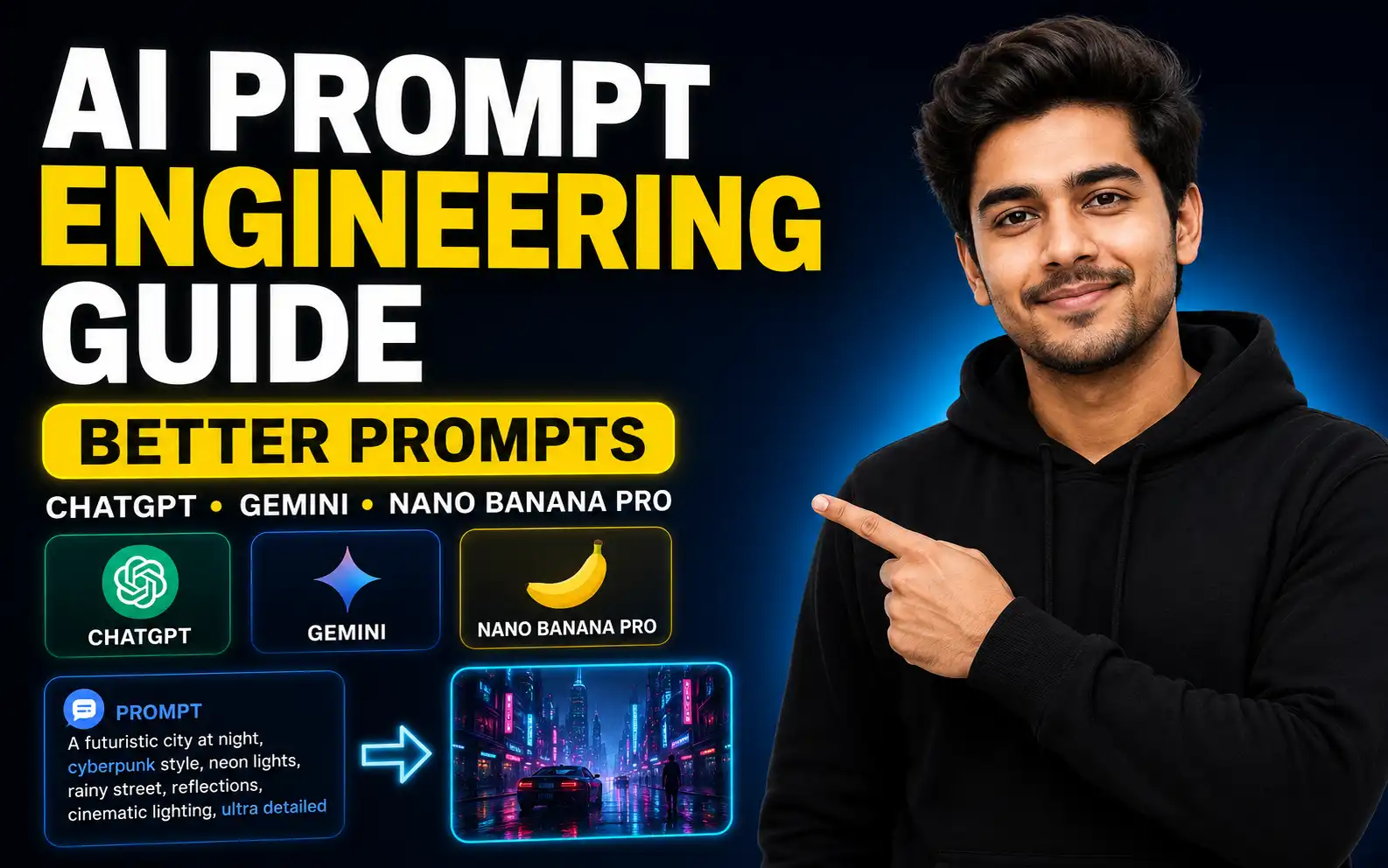
A simple guide to writing better AI image prompts using subject, action, environment, lighting, camera angle, lens, aspect ratio, and negative prompts.
AI Image Prompt Engineering Guide: How to Write Better Prompts for ChatGPT, Gemini and Nano Banana Pro
Table of Contents
- Introduction
- Why Prompt Engineering Matters in AI Image Generation
- 1. Add a Clear Subject
- 2. Add Action
- 3. Add Environment or Background
- 4. Add Lighting
- 5. Add Camera Angle and Lens
- 6. Add Aspect Ratio
- 7. Use Negative Prompting
- Complete AI Image Prompt Example
- ChatGPT vs Gemini for AI Image Generation
- Best AI Image Prompt Formula
- Final Thoughts
Introduction
Have you ever typed a prompt into an AI image generator and the result looked completely different from what you imagined?
This happens because AI image generation depends heavily on prompt quality. A simple prompt gives the AI very little information, so the tool starts guessing. But a detailed prompt guides the AI clearly and helps it generate better, more cinematic, and more professional images.
Prompt engineering is the skill of communicating with AI. The better you explain your idea, the better output you can get.
In this guide, you will learn the most important elements you should add to your AI image prompts for tools like ChatGPT, Gemini, Midjourney, Leonardo AI, and Nano Banana Pro.
Why Prompt Engineering Matters in AI Image Generation
AI image tools are powerful, but they do not automatically know what you want.
For example, if you type:
“Create a rabbit image.”
The AI may create a good-looking rabbit, but it will decide the background, lighting, angle, clothing, mood, and style by itself. That may be fine for random image generation, but it is not enough for professional work.
If you are creating images for YouTube thumbnails, social media posts, ads, websites, storytelling, or client projects, your prompt must be detailed and specific.
1. Add a Clear Subject
The subject is the main character or object in your image.
Instead of writing:
“Create a rabbit image.”
Write:
“Create a middle-aged cunning white rabbit.”
This gives the AI more information about the character.
You can describe:
- Age
- Color
- Expression
- Clothing
- Personality
- Body type
- Hair or fur details
- Accessories
For example, if you want to create a woman, do not simply write “a woman.” You can write:
“A young woman with long black hair, wearing a red dress, smiling softly.”
The more clearly you define the subject, the better the image becomes.
2. Add Action
Your subject should do something in the image. This makes the image feel more alive and interactive.
Example:
“A middle-aged cunning white rabbit running in the middle of the jungle.”
Here, “running” is the action.
For another example:
“A young woman sitting in a busy cafe.”
Here, “sitting” is the action.
Action helps the AI understand movement, pose, body language, and story.
3. Add Environment or Background
The environment tells the AI where the scene is happening.
Example:
“A white rabbit running in the middle of a dense jungle.”
The jungle is the environment.
If you do not mention the environment, the AI will choose a random background. That may not match your idea.
Good environment examples:
- In a busy cafe
- In a dark forest
- On a mountain road
- Inside a luxury office
- In a cinematic city street
- In the middle of a jungle
- On a beach during sunset
A clear environment makes the image more complete.
4. Add Lighting
Lighting is one of the most important parts of an AI image prompt. It can completely change the quality and mood of the image.
Many beginners ignore lighting, but professional-looking AI images usually include lighting details.
You can use lighting terms like:
- Cinematic lighting
- Soft morning light
- Golden hour light
- Backlight
- Neon light
- Volumetric light
- Dramatic side light
- Studio lighting
Example:
“The sun is behind the rabbit, creating a soft backlight through the jungle trees.”
Lighting adds depth, realism, and cinematic quality.
5. Add Camera Angle and Lens
Even though there is no real camera, AI image tools understand photography language.
You can describe:
- Eye-level shot
- Low-angle shot
- High-angle shot
- Close-up
- Wide shot
- Bird’s-eye view
- 50mm lens
- 85mm lens
- Wide-angle lens
- Macro lens
Example:
“The camera is positioned at eye level, shot with a standard 50mm lens.”
This helps the AI understand how the final image should be framed.
If you want a more realistic or professional image, camera angle and lens details are very useful.
6. Add Aspect Ratio
Aspect ratio defines the size and shape of your image.
Common aspect ratios:
- 9:16 for Instagram Reels, YouTube Shorts, and mobile videos
- 16:9 for YouTube thumbnails and website banners
- 1:1 for square posts
- 4:5 for Instagram portrait posts
Example:
“Aspect ratio 9:16.”
If you want to create an image for YouTube Shorts or Instagram Reels, use 9:16. If you want a YouTube thumbnail, use 16:9.
7. Use Negative Prompting
A normal prompt tells the AI what to add.
A negative prompt tells the AI what not to add.
Example negative prompt:
“No blurry details, no extra limbs, no distorted face, no bad anatomy, no text, no watermark.”
Negative prompts help reduce unwanted mistakes in AI-generated images.
This is especially useful when generating humans, animals, realistic scenes, and professional visuals.
Complete AI Image Prompt Example
Here is a complete prompt using all the key features:
“Create a middle-aged cunning white rabbit running in the middle of a dense jungle. The rabbit is wearing a gray t-shirt, brown half pants, and carrying a red bag on its back. Soft sunlight is falling on the grass from the left and right side. The sun is behind the rabbit, creating cinematic backlight. The camera is positioned at eye level, shot with a 50mm standard lens. Realistic jungle background, detailed fur, natural motion, cinematic atmosphere, sharp focus, aspect ratio 9:16. Negative prompt: no blurry image, no extra limbs, no distorted face, no text, no watermark.”
This prompt is much better than simply writing:
“Create a rabbit image.”
Because it includes subject, action, environment, lighting, camera angle, lens, aspect ratio, clothing, and negative prompt.
ChatGPT vs Gemini for AI Image Generation
ChatGPT and Gemini can both be used for AI image generation during the learning phase.
If you are a beginner, free tools are enough to practice prompt engineering. Once you understand how prompts work and want to create images professionally, you can try paid AI image tools like Midjourney, Leonardo AI, or Nano Banana Pro.
ChatGPT and Gemini are good for practice because you can test different prompt structures and compare results.
The best tool depends on your image style, quality needs, and workflow. But the skill that matters most is prompt writing.
Best AI Image Prompt Formula
Use this simple formula:
Subject + Action + Environment + Lighting + Camera Angle + Lens + Aspect Ratio + Negative Prompt
Example:
“A young woman sitting in a busy cafe, holding a coffee cup, warm golden hour lighting, eye-level camera angle, 50mm lens, realistic photography style, 4:5 aspect ratio, no blurry details, no extra fingers, no distorted face.”
This formula can help you create better AI images in almost any tool.
Final Thoughts
AI image generation is not only about choosing the best tool. It is also about writing the right prompt.
A simple prompt gives random results. A detailed prompt gives controlled results.
To create better AI images, always include:
- Subject
- Action
- Environment
- Lighting
- Camera angle
- Lens
- Aspect ratio
- Negative prompt
Once you learn these key features, you can generate better images with ChatGPT, Gemini, Midjourney, Leonardo AI, Nano Banana Pro, and many other AI image generators.
Prompt engineering is a skill, and the more you practice, the better your results will become.
Frequently Asked Questions
What is AI image prompt engineering?
AI image prompt engineering is the skill of writing clear and detailed prompts so AI image tools can generate better and more accurate images.
What should I include in an AI image prompt?
A good AI image prompt should include subject, action, environment, lighting, camera angle, lens, aspect ratio, and negative prompt.
Why are my AI images looking bad?
Your prompt may be too short or unclear. If you do not describe the subject, background, lighting, angle, and style, the AI will guess the missing details.
Which tool is best for learning AI image generation?
Beginners can start with free tools like ChatGPT and Gemini. After learning prompt engineering, they can try paid tools like Midjourney, Leonardo AI, or Nano Banana Pro.
What is negative prompting?
Negative prompting means telling the AI what not to include in the image, such as blurry details, extra limbs, distorted faces, text, or watermarks.
Which aspect ratio should I use for AI images?
Use 9:16 for Reels and Shorts, 16:9 for YouTube thumbnails and banners, 1:1 for square posts, and 4:5 for Instagram portrait posts.