
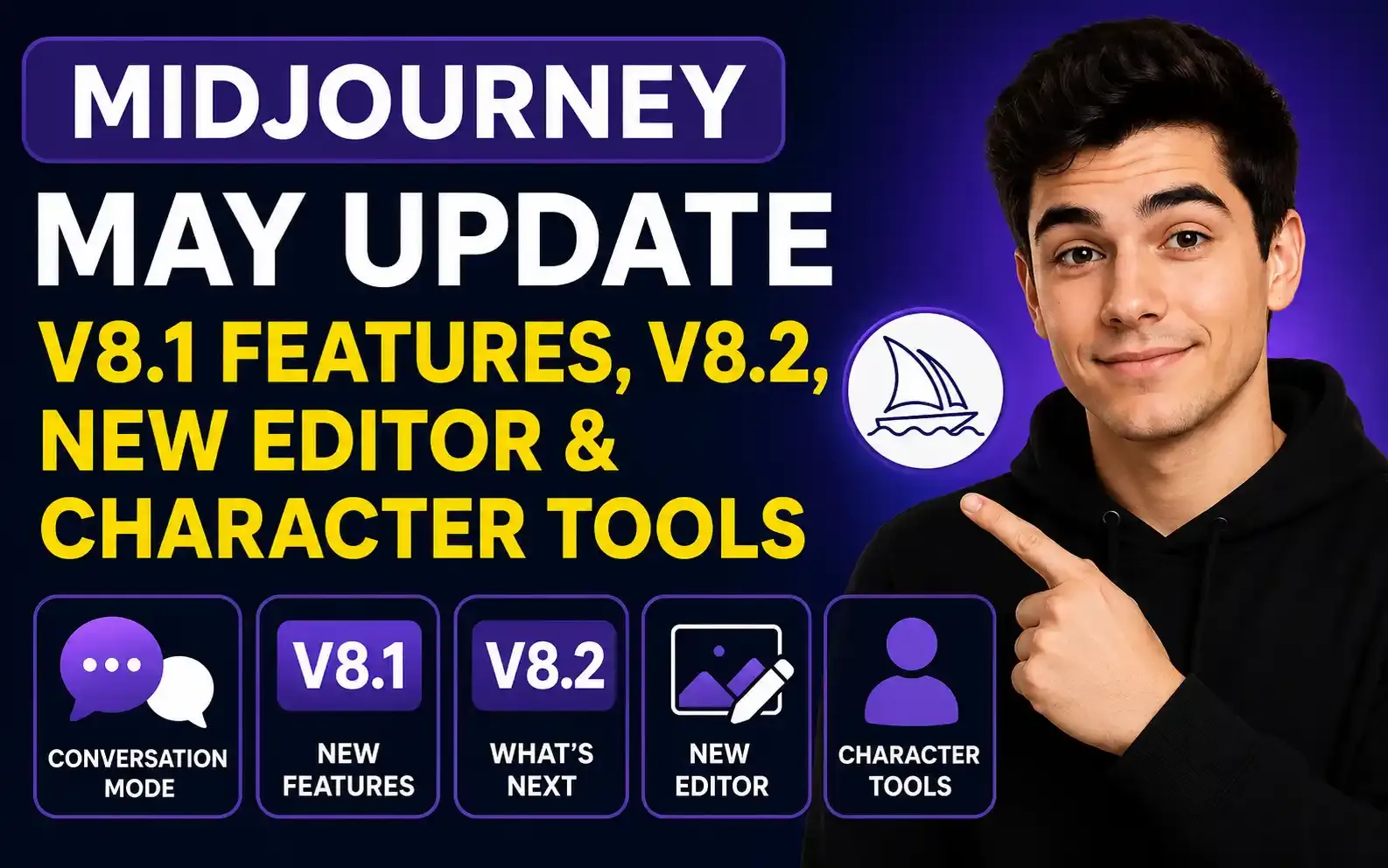
A complete overview of Midjourney’s May feature updates and the new image editing and character tools expected in future releases.
Midjourney May Update: Conversation Mode, V8.1 Features, V8.2, New Editor & Character Tools
Table of Contents
- Introduction
- Midjourney May Update at a Glance
- Midjourney Conversation Mode Gets a Major Upgrade
- How Conversation Mode Works
- Conversation Mode Now Supports References
- Using Style References in Conversation Mode
- Using Image Prompts
- Using Omni Reference for Character Consistency
- Why Conversation Mode Matters
- The --no Parameter Is Now Available in V8.1
- Example
- What the --no Parameter Actually Does
- Best Use Cases for the --no Parameter
- Remove Unwanted Colors
- Reduce Specific Lighting
- Remove Prominent Objects
- Reduce Facial Features
- Why the --no Parameter Can Be Inconsistent
- Use Direct Positive Prompting First
- Recommended Order
- Midjourney V8.1 May Become the Default Website Model
- Smaller Midjourney Improvements From May
- Midjourney V8.2 Is Coming
- What Could Change in V8.2?
- Improved Midjourney Personalization
- A New Midjourney Editor Is in Development
- Multiple Reference Support in the New Editor
- Combining Multiple Characters in One Scene
- A New Oref-Like Character Feature for V8
- Lighter Editor vs Full Editor Release
- How Creators Can Prepare for V8.2
- Save Strong Prompts
- Save Reference Images
- Record Model Versions
- Test Important Workflows
- Best Midjourney Conversation Mode Workflow
- Example Conversation Mode Workflow
- First Instruction
- Follow-Up Instruction
- Additional Style Direction
- Negative Refinement
- When Should You Use V7 Instead?
- Midjourney May Update: Final Summary
- Final Thoughts
Introduction
Midjourney’s May update was relatively quiet compared with some of its larger releases, but it still introduced several useful improvements for AI image creators.
The most important changes include expanded support inside Conversation Mode, the arrival of the --no parameter in V8.1, workflow and mobile improvements, and new information about Midjourney V8.2.
Midjourney has also shared plans for an upgraded editor with instruction-based editing, support for multiple references, and new character consistency features for the V8 model family.
In this guide, we will break down every important Midjourney update from May, explain how the new features work, and look at what creators can expect from upcoming releases.
Note: Features described as upcoming are based on Midjourney’s announced development plans and may change before public release.
Midjourney May Update at a Glance
Here is a quick summary of the most important changes:
| Update | What Changed |
|---|---|
| Conversation Mode | Added support for style, image, and Omni references |
| Text and Voice Input | Users can describe images naturally using text or microphone |
| Session Memory | Conversation Mode remembers instructions during the active session |
V8.1 --no Parameter | Allows users to reduce unwanted objects, colors, or features |
| V8.1 Default Model | Expected to become the main website model |
| Workflow Improvements | Mobile settings, search, bug fixes, and usability updates |
| V8.2 | Expected to improve aesthetics, variation, and personalization |
| New Editor | Planned instruction-based editing with multiple references |
| Character Features | New V8 character consistency tools are in development |
Midjourney Conversation Mode Gets a Major Upgrade
One of the most useful May updates is the improvement to Midjourney Conversation Mode.
Conversation Mode allows users to describe what they want using natural language instead of writing a traditional Midjourney prompt filled with technical parameters.
This makes Midjourney more approachable for beginners and more flexible for creators who prefer an interactive workflow.
You can activate Conversation Mode by selecting the speech-bubble option inside Midjourney.
It supports both:
- Written instructions
- Voice input through a microphone
Instead of carefully formatting every prompt, you can communicate with Midjourney more naturally.
How Conversation Mode Works
You can begin with a simple request such as:
“Create a friendly fantasy character wearing a green travel cloak and standing beside a small wooden cottage.”
Midjourney will generate the first set of results.
You can then continue the same session with a follow-up instruction:
“Keep the same character description, but place them in a city park during autumn.”
Conversation Mode remembers the active session context, so you do not need to repeat every detail from the original instruction.
This is especially useful when creating:
- Character concepts
- Multiple scenes
- Visual storytelling
- Advertising campaigns
- Illustrated sequences
- Product concepts
- Social media visuals
- Storyboards
Conversation Mode Now Supports References
The major improvement is that Conversation Mode now supports more of Midjourney’s reference features.
Depending on the selected model and available interface, these may include:
- Style references
- Image prompts
- Omni references in V7
This gives conversational users more control over style, composition, identity, and character consistency.
Previously, creators who relied heavily on references often needed to use traditional prompt workflows. The update brings more of those capabilities into the conversational experience.
Using Style References in Conversation Mode
A style reference helps influence the visual appearance of a generated image.
It can guide elements such as:
- Color palette
- Lighting
- Texture
- Illustration technique
- Composition
- Mood
- Rendering style
For example, you could upload an image with a cinematic blue-and-orange color treatment and ask:
“Use this image as a style reference. Create a futuristic traveler standing inside a large train station.”
Midjourney can use the reference to influence the overall aesthetic while generating a different subject and scene.
Using Image Prompts
Image prompts allow an uploaded image to influence the generated result.
An image prompt may help guide:
- Composition
- Subject appearance
- Environment
- Color
- Visual mood
- Shapes
- Camera angle
For example:
“Use this image as a visual reference and create a similar composition with a woman standing beside a mountain lake.”
Image prompts are useful when a written description alone is not enough to communicate the intended result.
Using Omni Reference for Character Consistency
Omni Reference, commonly associated with Midjourney V7 workflows, can help preserve a character, object, or visual subject across different generations.
This is useful for:
- Consistent characters
- Product visualization
- Brand mascots
- Fashion concepts
- Illustrated stories
- Marketing campaigns
For example, after generating a character, you could use that character as an Omni reference and ask:
“Keep this character consistent, but place them inside a modern coffee shop.”
Creators using V8 models may still need to switch back to V7 when current V8 tools do not provide the same reference functionality.
Why Conversation Mode Matters
Traditional Midjourney prompting can be powerful, but it can also require experience with prompt structure, parameters, references, and model-specific syntax.
Conversation Mode simplifies the process.
It is useful for users who want to:
- Describe ideas naturally
- Make changes through follow-up instructions
- Use voice prompting
- Maintain context during a session
- Work with style and character references
- Avoid rewriting complex prompts
This update makes Conversation Mode more practical for serious creative workflows.
The --no Parameter Is Now Available in V8.1
Another important update is the availability of the --no parameter in Midjourney V8.1.
The --no parameter helps reduce or discourage unwanted elements in generated images.
To use it, add the parameter at the end of your prompt:
--no [unwanted element]Example
cinematic portrait of a woman in soft window light --no frecklesIn this example, Midjourney will reduce the likelihood of generating freckles.
What the --no Parameter Actually Does
The --no parameter does not always guarantee that an object will disappear completely.
It acts more like a negative weight or downweighting instruction. It tells Midjourney that certain visual elements should be avoided or reduced.
It may work well for broad and recognizable elements such as:
- Specific colors
- Prominent objects
- Lighting conditions
- Facial features
- Environmental elements
- Clothing items
Examples:
--no red--no fog--no glasses--no text--no frecklesBest Use Cases for the --no Parameter
The --no parameter appears most useful when removing broad, visually obvious features.
Remove Unwanted Colors
minimal luxury bedroom, neutral interior, natural light --no red, orangeReduce Specific Lighting
realistic forest portrait, soft daylight --no dramatic lighting, neon lightRemove Prominent Objects
quiet beach at sunrise --no people, boatsReduce Facial Features
editorial beauty portrait, clean natural skin --no frecklesMidjourney frequently adds freckles to portraits, so --no freckles can be a practical option when they are not wanted.
Why the --no Parameter Can Be Inconsistent
Negative prompting in Midjourney can be hit or miss.
The model may still generate an unwanted object when:
- The item is strongly connected to the scene
- The positive prompt indirectly encourages it
- Too many negative instructions are added
- The requested scene is visually complex
- The negative element is subtle
For example, asking for a crowded market while adding --no people creates conflicting instructions.
The model may struggle because people are naturally expected in a crowded market.
Use Direct Positive Prompting First
The best approach is to first describe exactly what you want.
Instead of writing:
portrait --no dark lightingTry:
bright editorial portrait in soft natural daylight, clean white studio, evenly illuminated facePositive prompting gives Midjourney a clear target.
Use the --no parameter when direct prompting still fails to remove an unwanted element.
Recommended Order
- Clearly describe the desired result.
- Generate and review the output.
- Rewrite unclear instructions.
- Use
--noonly when the unwanted element continues appearing.
The --no parameter works best as a refinement tool rather than the foundation of the prompt.
Midjourney V8.1 May Become the Default Website Model
Midjourney V8.1 is expected to become the default model on the main website.
When a model becomes the default, new generations may automatically use it unless the user manually selects another version.
Creators should review their saved prompts when switching models because the same prompt can behave differently across:
- V7
- V8
- V8.1
- Future V8.2 releases
Differences may appear in:
- Aesthetics
- Prompt interpretation
- Facial details
- Textures
- Composition
- Reference strength
- Negative prompting
- Personalization
Testing important prompts again after a model change is always recommended.
Smaller Midjourney Improvements From May
Midjourney also introduced several smaller bug fixes and usability improvements throughout the month.
These reportedly included improvements related to:
- Mobile settings
- Search
- Interface behavior
- General workflow
- Bug fixes
- Website usability
These updates may not feel as exciting as a new model, but small workflow improvements are important for users who generate images regularly.
Better search and navigation make it easier to find old prompts, references, styles, and previous generations.
Midjourney V8.2 Is Coming
Midjourney V8.2 is expected to be one of the next major model updates.
According to the announced roadmap, V8.2 is being developed to improve:
- Aesthetic quality
- Visual variety
- Creative output
- Personalization
- Model behavior
The release was initially targeted earlier, but development was delayed after internal issues became more complicated than expected.
This is normal for AI model development, where changes to one feature can affect other parts of the generation system.
What Could Change in V8.2?
The main promise around V8.2 is an updated aesthetic system.
This may mean:
- More varied visual results
- Less repetitive styling
- Stronger creative interpretation
- Better response to personalization
- More visually exciting initial grids
- Improved balance between prompt accuracy and creativity
One challenge with AI image generators is that outputs can begin to feel similar after repeated use.
An improved aesthetic system could help creators discover more diverse and interesting results from the same general prompt.
Improved Midjourney Personalization
Personalization allows Midjourney to better understand the visual preferences of individual users.
Improved personalization could help the model learn preferences related to:
- Composition
- Color
- Lighting
- Character design
- Photography style
- Illustration style
- Mood
- Level of detail
For creators with a specific brand or visual identity, stronger personalization could reduce the amount of prompt adjustment required.
However, users should still review outputs carefully to ensure that personalization does not override important prompt details.
A New Midjourney Editor Is in Development
Midjourney is also developing a new editor.
The editor is expected to introduce instruction-based image editing.
Instead of only using traditional selection and variation tools, users may be able to describe edits in natural language.
For example:
- Change the background to a city street
- Remove the person on the left
- Replace the red jacket with a black coat
- Make the lighting warmer
- Add a dog beside the character
- Change the time of day to sunset
Instruction-based editing would make Midjourney more competitive with AI image tools that already support conversational editing.
Multiple Reference Support in the New Editor
The planned editor is also expected to support multiple references.
This could allow creators to combine different visual elements, such as:
- Character from one image
- Clothing from another image
- Object from a third image
- Background from another reference
- Style from a separate image
For example, a creator might ask Midjourney to:
“Use the character from the first image, the jacket from the second image, and the environment from the third image.”
This could make complex visual composition easier and reduce the need for external editing software.
Combining Multiple Characters in One Scene
One expected use case for the new editor is combining multiple characters and objects into the same scene.
Character consistency has traditionally been one of the most difficult parts of AI image generation.
A multiple-reference editor could help creators build:
- Group scenes
- Illustrated stories
- Comic panels
- Advertising campaigns
- Product scenes
- Brand mascot interactions
- Character comparisons
The important challenge will be preserving each character’s identity while maintaining realistic lighting, scale, perspective, and interaction.
A New Oref-Like Character Feature for V8
Midjourney has also indicated that a new Oref-like feature is being developed for V8 models.
This means V8 may eventually receive stronger tools for preserving characters and subjects across different generations.
Until those tools are available, users who require Omni Reference may need to switch back to V7.
A character reference feature is important for:
- Children’s books
- Comics
- Storyboards
- Brand mascots
- AI influencers
- Fashion campaigns
- Character-driven advertising
- Sequential art
Consistent characters make AI-generated visuals much more useful for professional storytelling.
Lighter Editor vs Full Editor Release
Midjourney is reportedly deciding between two release approaches:
- Release a lighter editor earlier.
- Wait and release a more complete editor with additional features.
A lighter version could give users access sooner, but it may not include every planned tool.
A complete release would take longer but could provide a stronger first experience.
Because development priorities can change, users should treat announced timelines as estimates rather than guaranteed release dates.
How Creators Can Prepare for V8.2
Creators can prepare for V8.2 by organizing their existing workflows.
Save Strong Prompts
Keep copies of prompts that work well in V8.1 so you can compare them with V8.2.
Save Reference Images
Organize character, style, product, and environment references for use with the new editor.
Record Model Versions
When saving a successful image, note which Midjourney version created it.
Test Important Workflows
After V8.2 launches, test:
- Portraits
- Products
- Character consistency
- Style references
- Textures
- Negative prompts
- Personalization
This will help you understand how the new model behaves before using it for client or commercial work.
Best Midjourney Conversation Mode Workflow
Here is a practical workflow for using the updated Conversation Mode:
- Activate Conversation Mode.
- Describe the character or subject in natural language.
- Generate the first set of images.
- Choose the strongest result.
- Add a style or image reference if necessary.
- Continue the conversation with a new environment or action.
- Ask Midjourney to preserve the same character description.
- Use Omni Reference in V7 when stronger subject consistency is required.
- Refine unwanted elements with direct prompting.
- Use
--noonly when necessary.
This workflow is useful for creators who prefer conversational iteration over technical prompt writing.
Example Conversation Mode Workflow
First Instruction
“Create a young fantasy botanist with short silver hair, a green travel cloak, a leather field bag, and a curious expression. Place her inside an old greenhouse filled with glowing plants.”
Follow-Up Instruction
“Keep the same character description, but place her inside a crowded city market during light rain.”
Additional Style Direction
“Use the uploaded image as a style reference. Keep the muted green palette, painterly textures, and cinematic lighting.”
Negative Refinement
--no freckles, umbrellaThis creates a more controlled sequence while keeping the interaction natural.
When Should You Use V7 Instead?
V7 may still be useful when you need a feature that is not fully available in the newer V8 workflow.
Consider switching to V7 when you need:
- Omni Reference
- More established character workflows
- Previous prompt behavior
- Existing V7 personalization
- Consistency with an older project
Newer does not always mean better for every task.
The best model is the one that supports the workflow you need.
Midjourney May Update: Final Summary
May introduced several useful improvements even though it was not a major release month.
The key updates include:
- Better Conversation Mode
- Text and voice support
- Session memory
- Style references
- Image prompts
- Omni Reference support in V7 Conversation Mode
- The
--noparameter in V8.1 - Mobile and workflow improvements
- Preparation for V8.1 as the default model
- Development of V8.2
- A planned instruction-based editor
- Multiple reference capability
- Upcoming V8 character tools
The biggest practical improvement is Conversation Mode becoming compatible with more advanced reference workflows.
The most exciting future update may be the new editor, particularly if it successfully combines natural-language editing with multiple character and object references.
Final Thoughts
Midjourney’s May update focused more on improving workflows than introducing a completely new visual model.
Conversation Mode is becoming a more serious creative tool because it now supports references and character-focused workflows. V8.1 gains more control through the --no parameter, although direct positive prompting remains the better first approach.
V8.2, the new editor, and upcoming character tools could significantly improve Midjourney’s usefulness for sequential storytelling, design editing, campaign creation, and consistent character generation.
For now, creators should continue testing V8.1 while keeping V7 available for Omni Reference workflows.
Because Midjourney’s roadmap can change, always review the latest release notes before relying on an announced feature or launch date for an important project.
Frequently Asked Questions
What was added to Midjourney Conversation Mode?
Conversation Mode now supports more advanced reference workflows, including style references, image prompts, and Omni references when using compatible models such as V7.
What is the Midjourney --no parameter?
The --no parameter tells Midjourney to reduce the presence of unwanted objects, colors, lighting conditions, or features in an image.
How do I use the --no parameter in Midjourney?
Add --no at the end of your prompt, followed by the unwanted elements. For example: cinematic portrait in daylight --no freckles, glasses.
Does the --no parameter always work?
No. It can be inconsistent, especially when the unwanted element is strongly associated with the requested scene. Directly describing what you want should be your first approach.
What is expected in Midjourney V8.2?
V8.2 is expected to introduce an updated aesthetic system, more varied outputs, and improved personalization. Final features may change before release.
What will the new Midjourney editor do?
The planned editor is expected to support instruction-based editing and multiple references, making it easier to combine characters, objects, clothing, styles, and environments.
Does Midjourney V8 support Omni Reference?
The current availability of reference features depends on the selected version and interface. Users may need to switch to V7 when they require the established Omni Reference workflow.
Should I use Midjourney V7 or V8.1?
Use V8.1 for newer generation behavior and current features. Use V7 when you specifically need its reference and character consistency workflows.